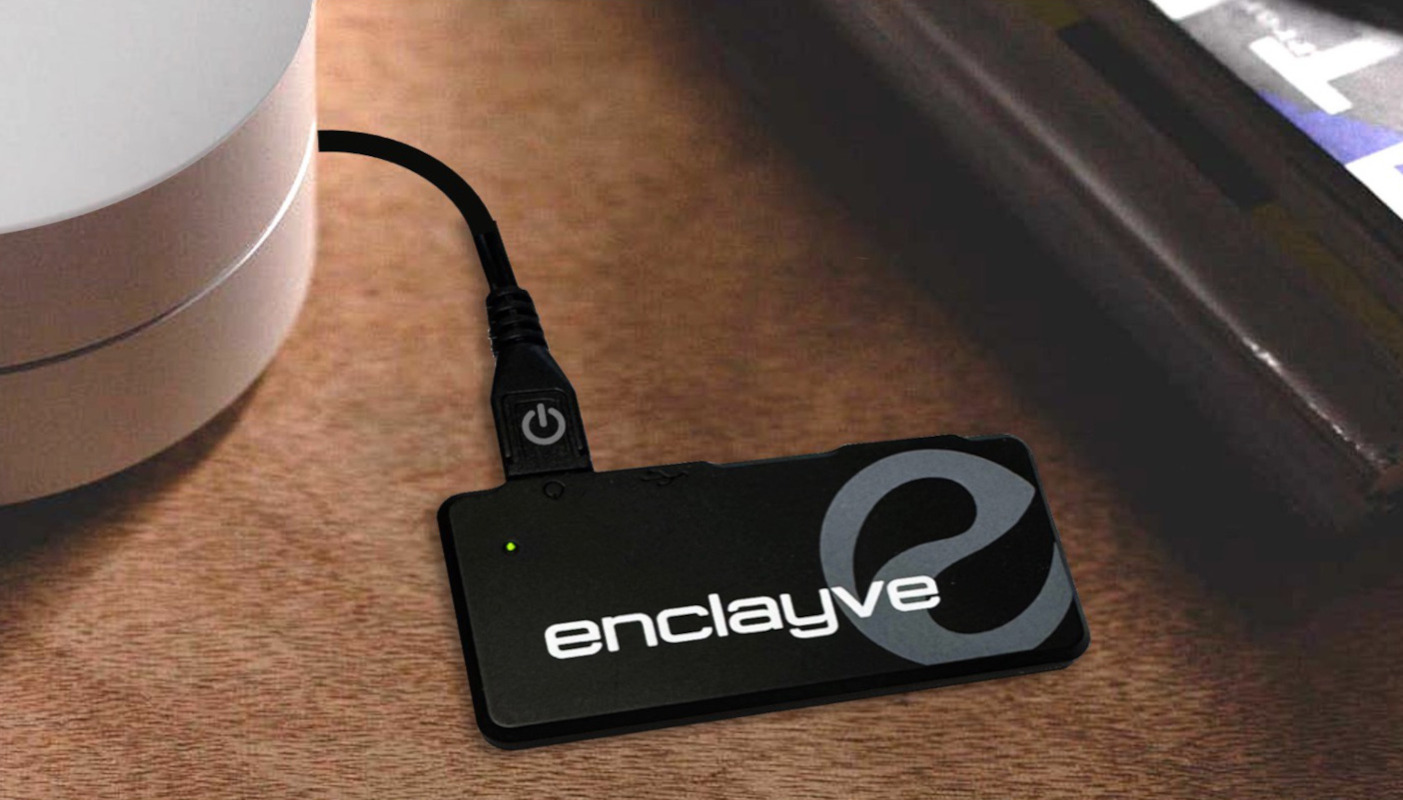
enclayve
Local Access Setup
Private Comms
Local Access
Local Access is the communication between your app and your device while you are at home.
This guide shows you how to configure Local Access in your home network.
Background
When you are at from home, your app (and your friend's apps) communicate to your enclayve device using your home network, as shown below.
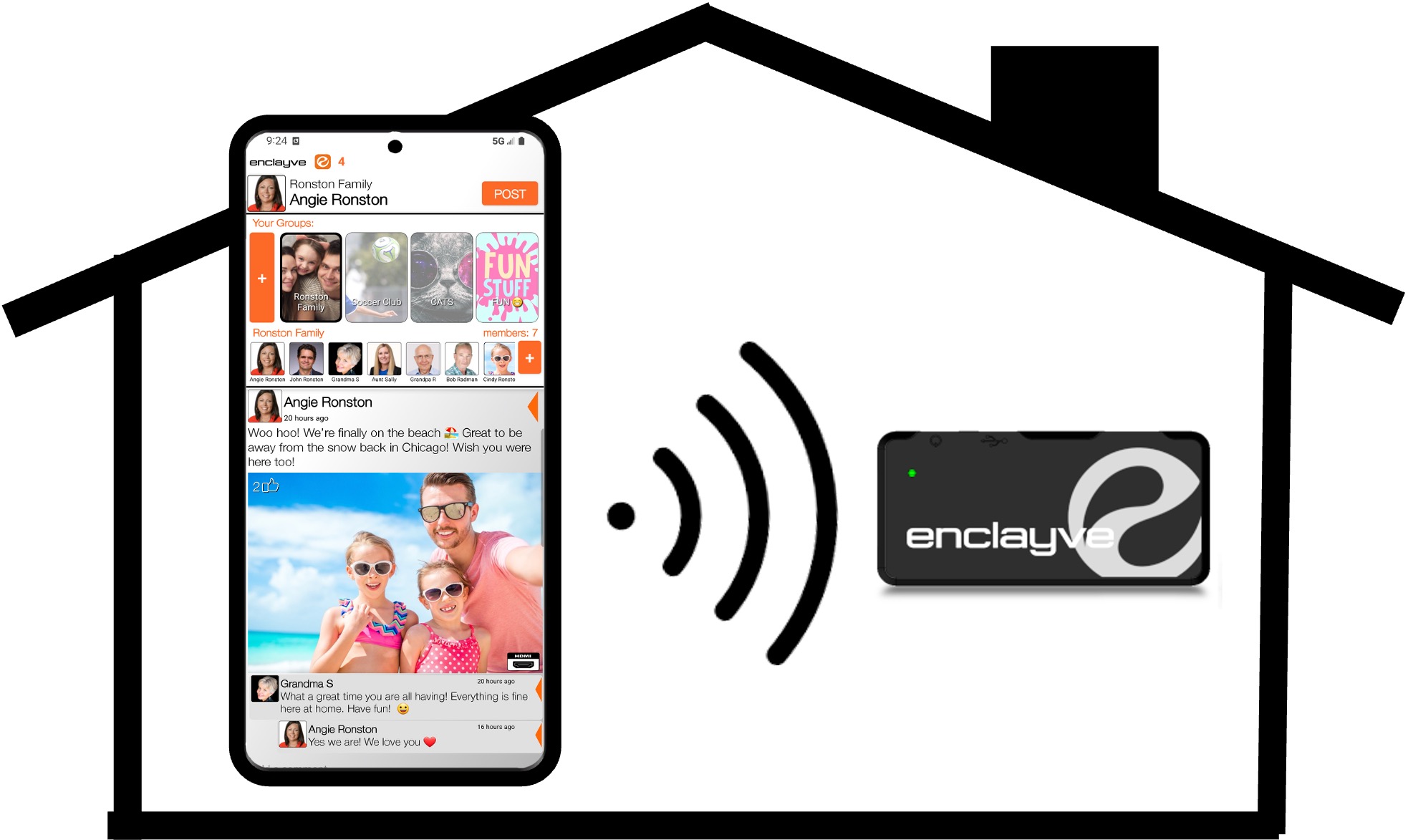
Local Access
Your home network changes over time, as devices (including TVs, phones, laptops, etc.) are added, removed, rebooted or power-cycled. Because of this, your enclayve device's IP address can change over time.To maintain secure communication with your device, the enclayve app must be able to find your device on your home network, even if the device's IP address has changed. If the app cannot find the device, it is reported as a Local Access failure.
Home Network Configurations
• GATEWAY
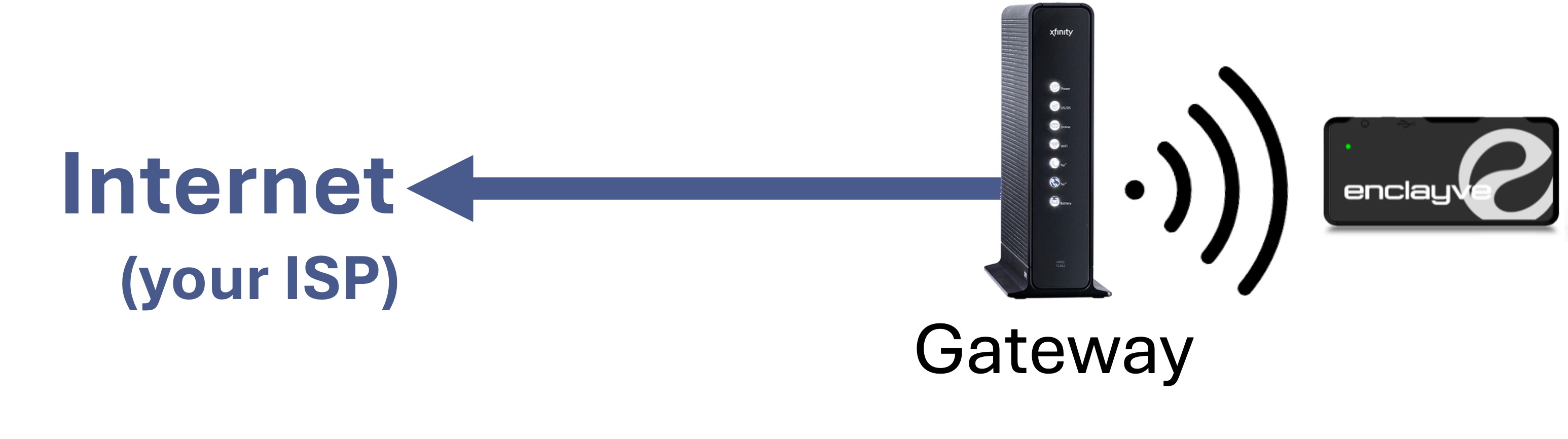
The simplest home network has a single Gateway box provided by your ISP as shown below:
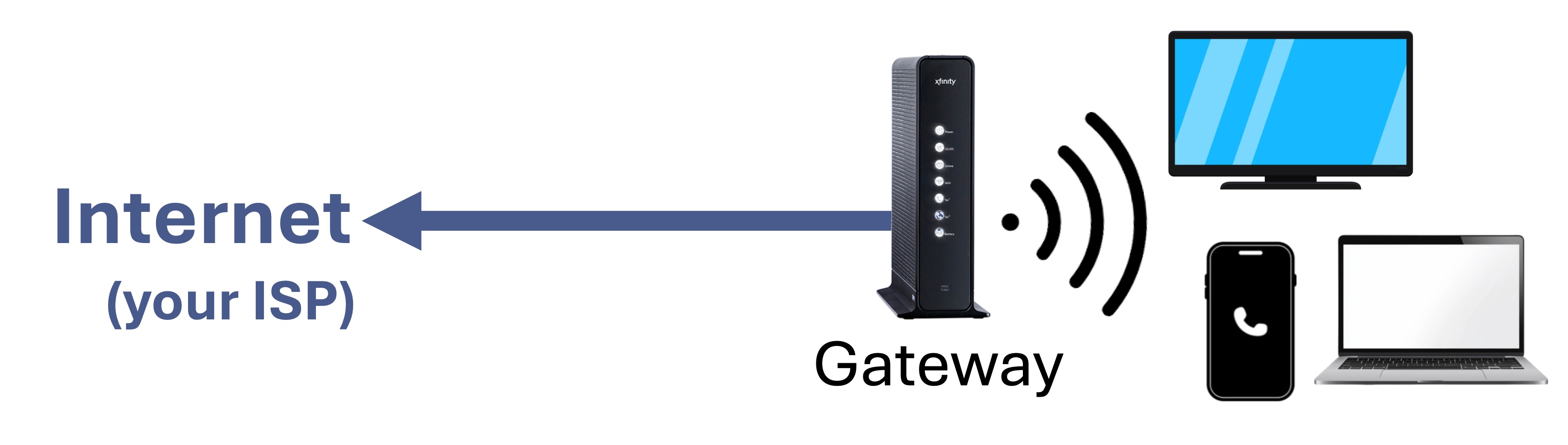
The simplest home network has a single Gateway box provided by your ISP as shown below:
• MODEM/ROUTER
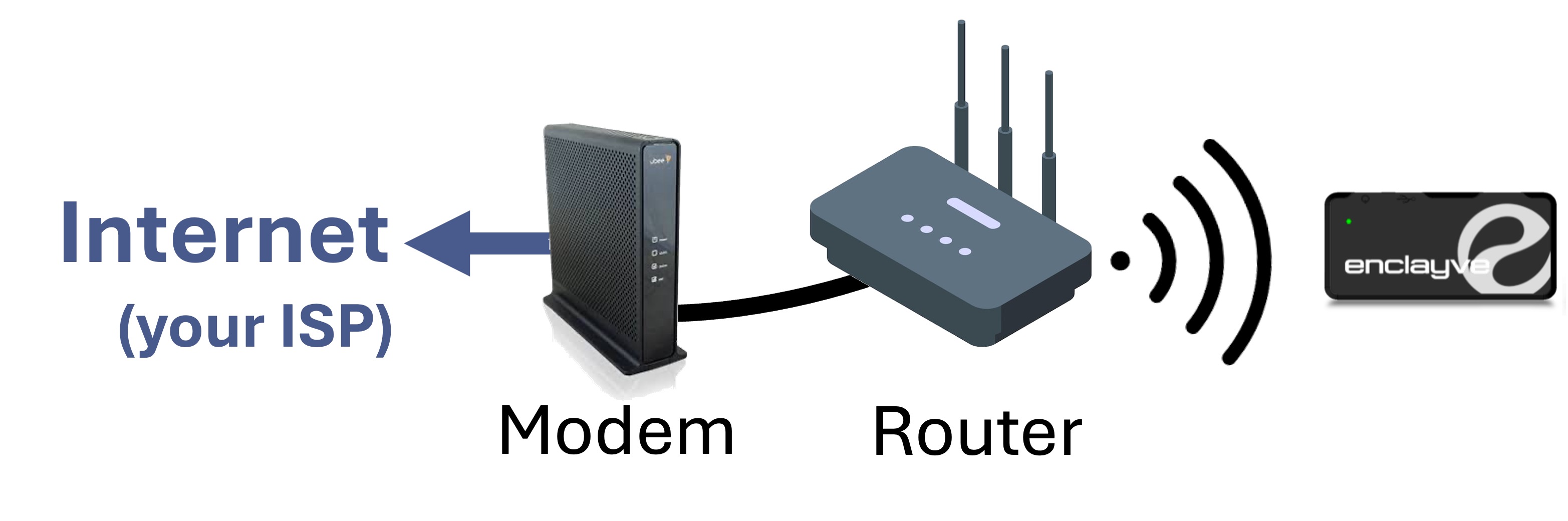
Many home networks consist of a modem provided by your ISP and a router you've bought yourself. Common brands of routers are Netgear, Linksys, Google, TP-link and others. Note that a modem has no WiFi capabilty, so is connected to a router with an Ethernet cable.
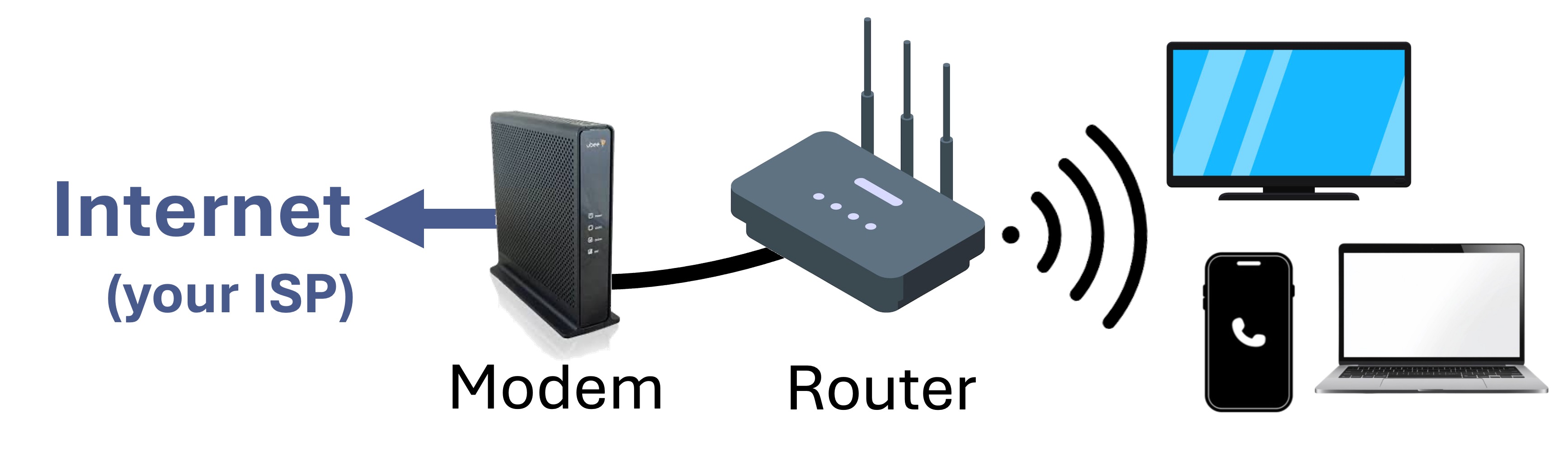
Many home networks consist of a modem provided by your ISP and a router you've bought yourself. Common brands of routers are Netgear, Linksys, Google, TP-link and others. Note that a modem has no WiFi capabilty, so is connected to a router with an Ethernet cable.
• MESH NETWORK
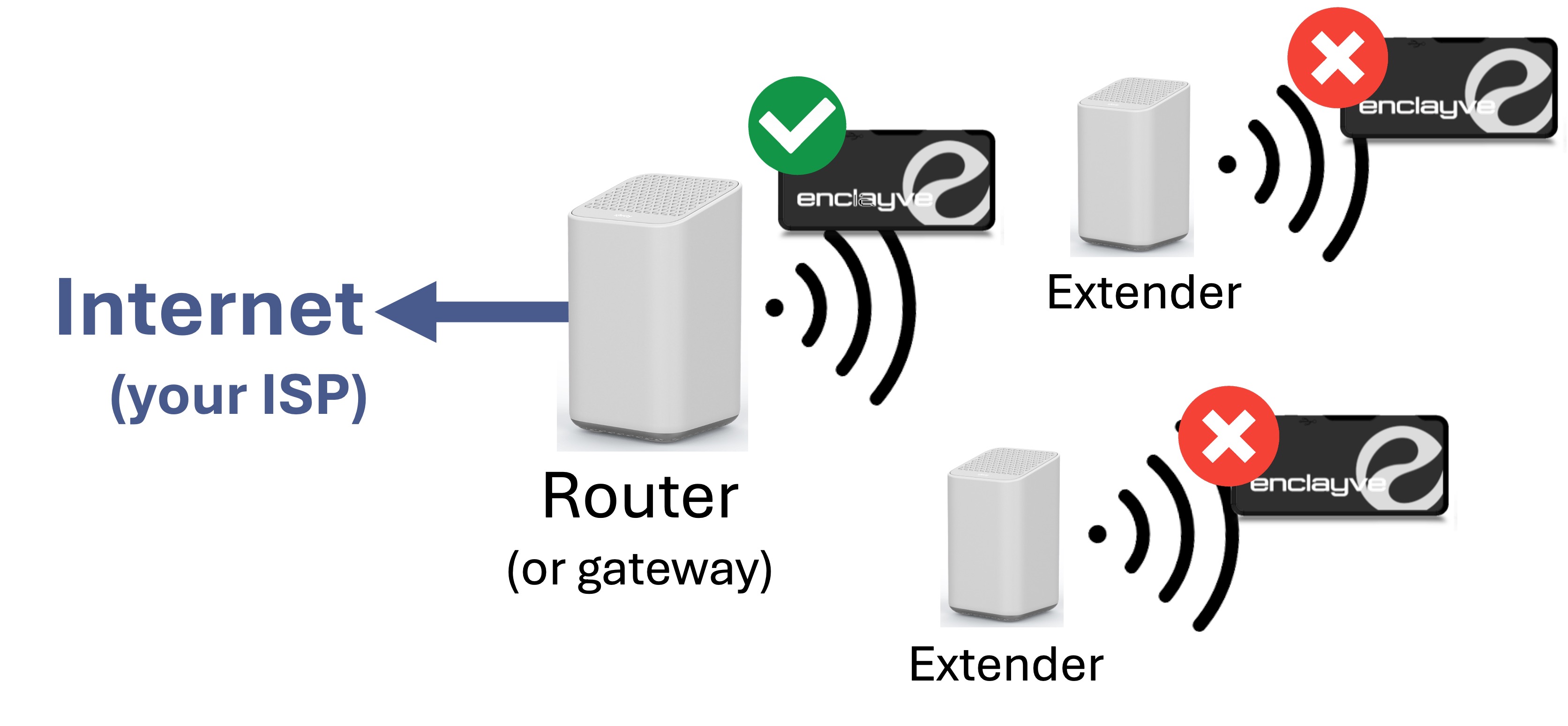
Larger homes often have a 'mesh network', sometimes called a 'whole home network'. In this case, you have a main router connected to your ISP and a number of 'extender' boxes located throughout your house. This provides WiFI coverage over a wider area. Common brands are TP-Link Deco, Amazon eero, Netgear Orbi, Asus ZenWiFi, Google Nest and others.
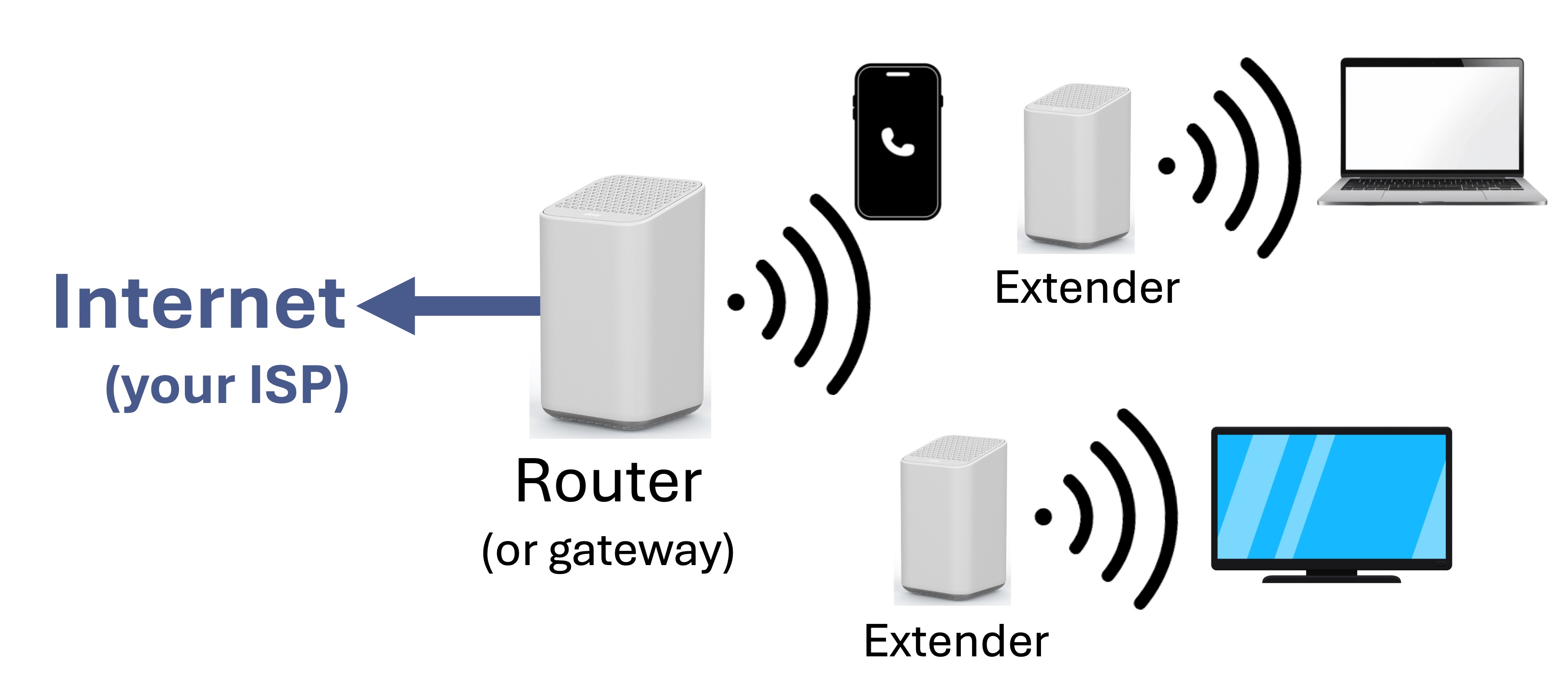
Larger homes often have a 'mesh network', sometimes called a 'whole home network'. In this case, you have a main router connected to your ISP and a number of 'extender' boxes located throughout your house. This provides WiFI coverage over a wider area. Common brands are TP-Link Deco, Amazon eero, Netgear Orbi, Asus ZenWiFi, Google Nest and others.
• BRING YOUR OWN ROUTER (BYOR)
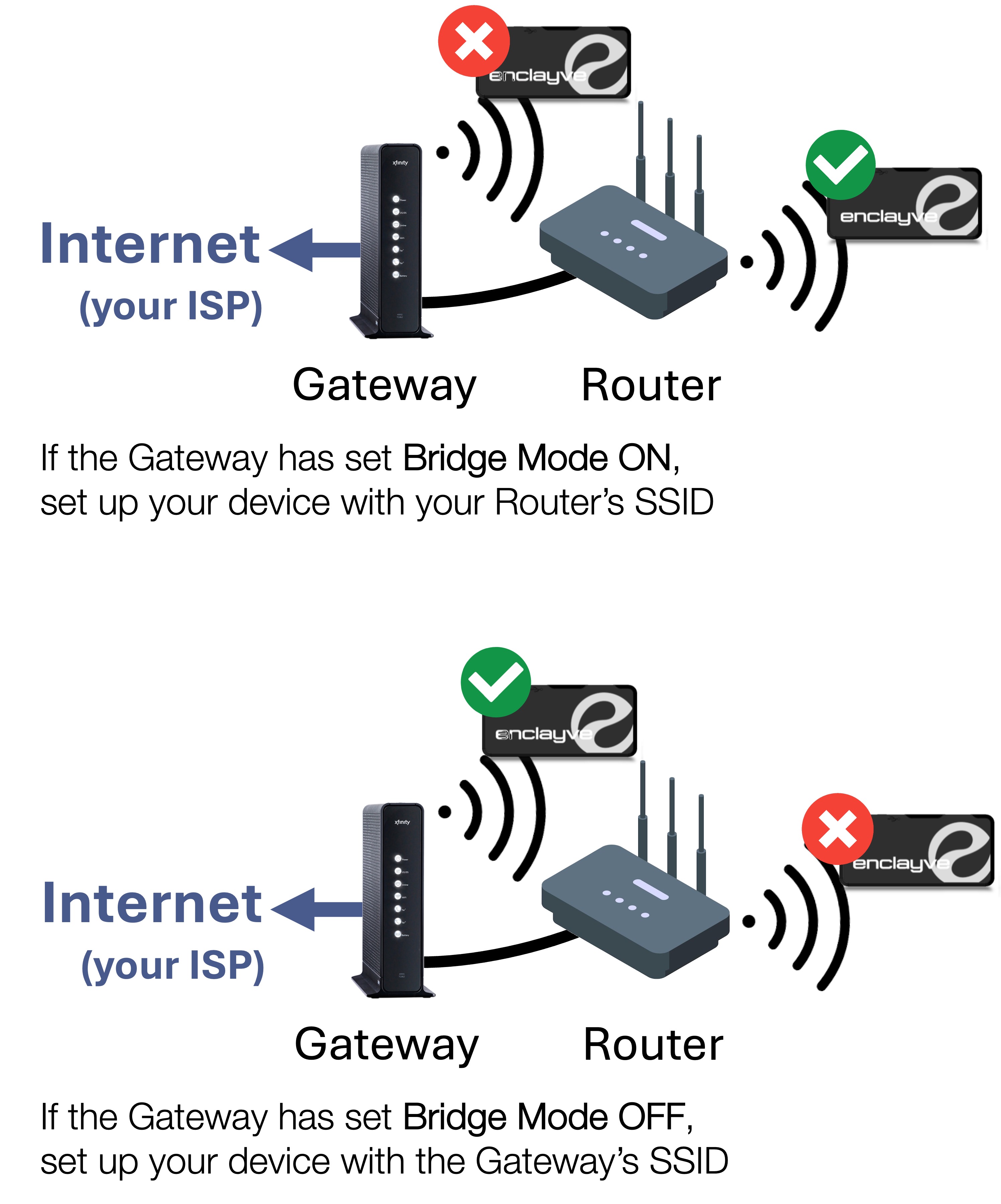
In some cases, you have a router or mesh network you've purchased and in addtion, your ISP has provided a gateway (common for Fiber-Optic Internet service providers). This adds a level of complexity because there are now multiple routers in your network. As shown below, the ISP-supplied Gateway and your Router both have WiFi capability.
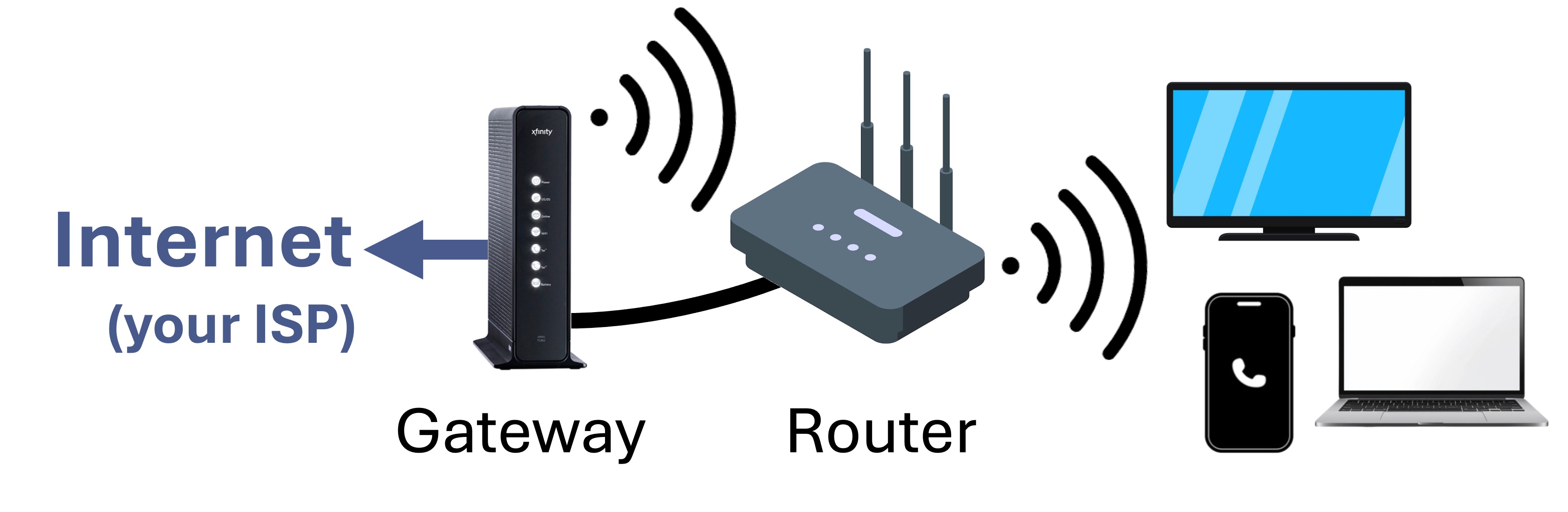
In some cases, you have a router or mesh network you've purchased and in addtion, your ISP has provided a gateway (common for Fiber-Optic Internet service providers). This adds a level of complexity because there are now multiple routers in your network. As shown below, the ISP-supplied Gateway and your Router both have WiFi capability.
If none of the configurations above match your network, or Local Access still fails email enclayve support at support@enclayve.com.
If you are an expert, click HERE for technical details.